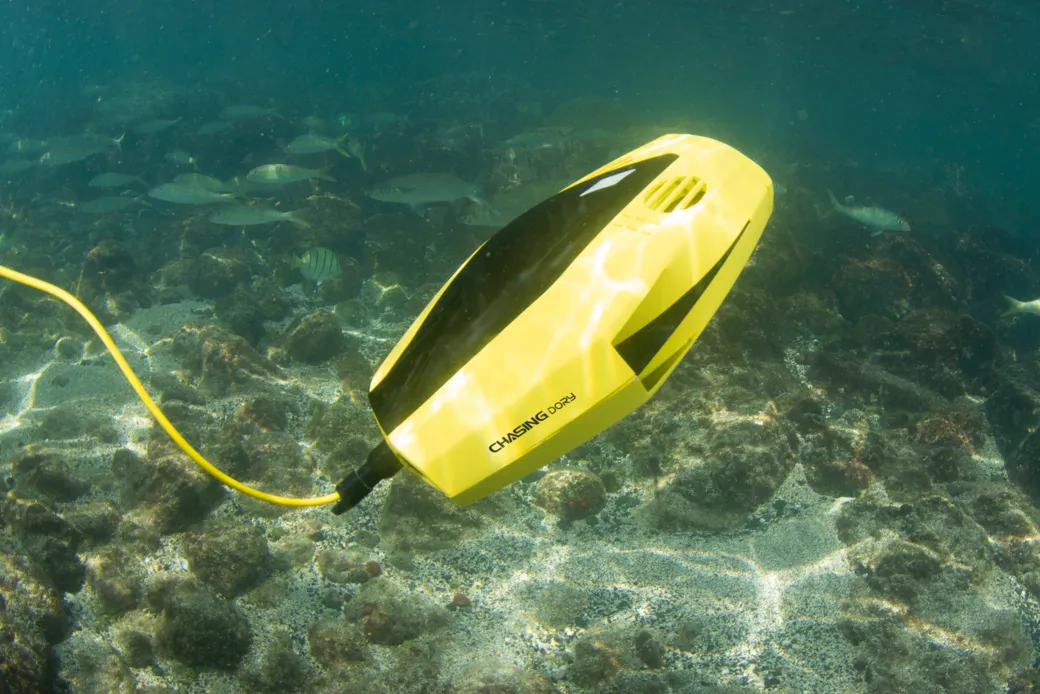
The new underwater drone is unpacked, the lake is right in front of you, and all you want is to get it in the water. This is exactly the moment when most avoidable mistakes happen: a battery that was not full, a grain of sand on the O-ring, thrusters that were run in air. The consequences range from a cancelled outing to water damage in the electronics.
A fixed routine prevents almost all of it. This checklist has four parts: at home, at the water, launching, and afterwards. At the end you will find it as a tick list and as a PDF to print.
This is a general overview based on manufacturer recommendations and specialist sources, not a hands-on test with a particular device. Your manufacturer's manual always takes precedence. Seal grease, calibration and power-on sequence differ from model to model.
Quick glossary
- ROV (Remotely Operated Vehicle): a remote-controlled underwater vehicle. In the hobby world it is usually just called an underwater drone.
- Tether: the cable between the drone and the surface. Radio hardly works underwater, so control commands and the video feed travel through this cable.
- Thrusters: the drive units, i.e. waterproof motors with propellers.
- O-ring: the rubber ring that seals the housings. It is the most important spot on the whole drone.
- Arming: enabling the motors in software. Only after that do the thrusters spin.
- Trim: balancing the drone with weights so that it sits correctly in the water.
Part 1: Prepare at home
Charge every battery fully
An underwater drone depends on several power sources, and all of them should be full before you go out: the drone's battery (thrusters, lights, camera), the surface unit or controller, and your tablet or smartphone with the control app. If one of them fails on the way, in the worst case the video feed drops or the thrusters stop. Also make sure the charging ports are dry and clean.
Check and maintain the seals
Water almost always gets in at the seals. A single hair or grain of sand can be enough.
- Inspect the O-rings for cuts, cracks, deformation or spots that have been permanently flattened. If in doubt, replace them.
- Clean the sealing grooves and contact surfaces with a lint-free cloth (sand, hair, salt, old hardened grease).
- Apply a paper-thin film of the silicone grease your manufacturer specifies. The grease does not seal by itself; it helps the ring slide into place and keeps it from drying out.
- Do not use too much grease. Too much attracts dirt.
Look over the tether and connectors
The cable is constantly pulled, bent and scraped. Go along its whole length once: look for kinks, abrasion, cuts in the jacket and twists. Check that the connectors have clean contacts and intact seals.

Pack a mini spare-parts kit
A small emergency kit can save your day when something minor breaks on site:
- spare O-rings for every housing you open
- the manufacturer's silicone grease
- spare propellers (clockwise and counter-clockwise) with screws
- small tools (hex keys, a brush)
- lint-free cloths and cotton buds
- cable ties and insulating tape
Part 2: Set up at the water
Check the mechanics and optics
Before you switch anything on:

- Turn every propeller by hand. They should spin easily and without rubbing. Remove any fishing line or weed that has wrapped around them.
- Wipe the camera dome and lamp covers clean and free of grease. Fingerprints and grease blur the picture and scatter the light.
- If your drone has pressure-equalisation screws or valves: tighten them as the manufacturer specifies once the housing is closed.
Power on in a fixed order
Follow the sequence for your model. Roughly, it goes like this:
- Physically connect the tether, surface unit and drone.
- Switch on the power for the surface unit and the drone (on some systems this happens as soon as the connectors are mated).
- Start the app on your tablet or smartphone and connect it to the controller.
- Check that the live video, battery level and readings (depth, tilt, temperature) are coming through.
Calibrate the sensors
Depending on the model, ROVs have a compass and attitude sensors that should be recalibrated at a new site. Nearby metal disturbs the magnetic field: concrete jetties, steel structures, boats, cars. So calibrate on open, level ground with some distance from large metal objects. Otherwise the drone will later drift off course or behave restlessly in automatic heading hold.
Trim the drone
Water is not just water: salt water is denser than fresh water and lifts the drone more. If you move from a lake to the sea, you therefore need to adjust the weights.
| Water | Buoyancy | What you do |
|---|---|---|
| Fresh water | lower | tend to remove trim weights |
| Salt water | higher | tend to add weights |
The aim is neutral to slightly positive buoyancy. Slightly positive means that if the power fails, the drone slowly rises and you can pull it in by the tether. It should also sit level without the motors running, and not tip forwards, backwards or sideways.
Part 3: Check the surroundings and launch
Assess the water
- Current: Strong current can be stronger than your thrusters. Plan the dive with the current rather than against it. More on this in Flying in currents: how to stay in control.
- Visibility: In murky water (silt, algal bloom) your own light scatters back into the picture off the suspended particles. Less light is often better there than full brightness.
- Obstacles: Sunken trees, rocks, ghost nets and dense water plants are hazards for the drone and the tether.
- People: Keep your distance from swimmers, divers and boat traffic.
Launching in four steps
- Lower the drone carefully into the water. Do not throw it.
- Leak test: hold it just below the surface for about 60 seconds and watch for rising air bubbles. If bubbles keep coming from a seal or a cable entry, get it out immediately, disconnect the power and check the spot.
- Only now arm the motors, once the drone is in the water. In air the thrusters run without cooling, and their seals can be damaged.
- Do a controlled test run near the surface before you go deeper.
Part 4: After the dive
The next outing actually starts here:
- Bring the drone back to the launch spot, wind in the tether in a controlled way and lift the drone out by its carrying handles or the reinforced end of the tether, not by the thin cable.
- Disarm the motors straight away and disconnect the power.
- After salt water, brackish water or water with a lot of sediment, rinse thoroughly with fresh water: put the closed drone in clean fresh water for at least 15 to 20 minutes and turn the propellers by hand several times. Otherwise salt crystals can damage shaft seals and bearings next time.
- Dry the outside completely before you open the battery compartment or camera housing, so that no drops run inside.
- Do not store the battery permanently fully charged or fully empty. For lithium batteries, around 50 to 60 percent is usual.
- If you are taking a longer break, relieve the O-rings or remove them, clean them and store them in the dark. Store the tether in large loops without twists.
How to keep your battery healthy for a long time is covered in Battery care: keep your drone going for many dives.
The checklist to tick off
Tick items off right here, or download the list as a PDF and take it printed to the water.
Prepare at home
Set up at the water
Check the surroundings and launch
After the dive
Pack the checklist and the spare-parts kit in the same bag as the drone. Then nothing is missing at the water, and you actually go through the list instead of forgetting it at home.
Conclusion
Most failures among beginners do not come from the technology but from preparation: dirty seals, empty batteries, wrong trim, or motors running in air. A checklist costs you a few minutes and protects your equipment.
Do you have your own experience, a tip, or something that is missing here? Write it in the forum (in German, English posts welcome); the list grows with the community.
You can find reactions and comments on this article in the Unterwasserpilot forum (in German, English posts welcome).
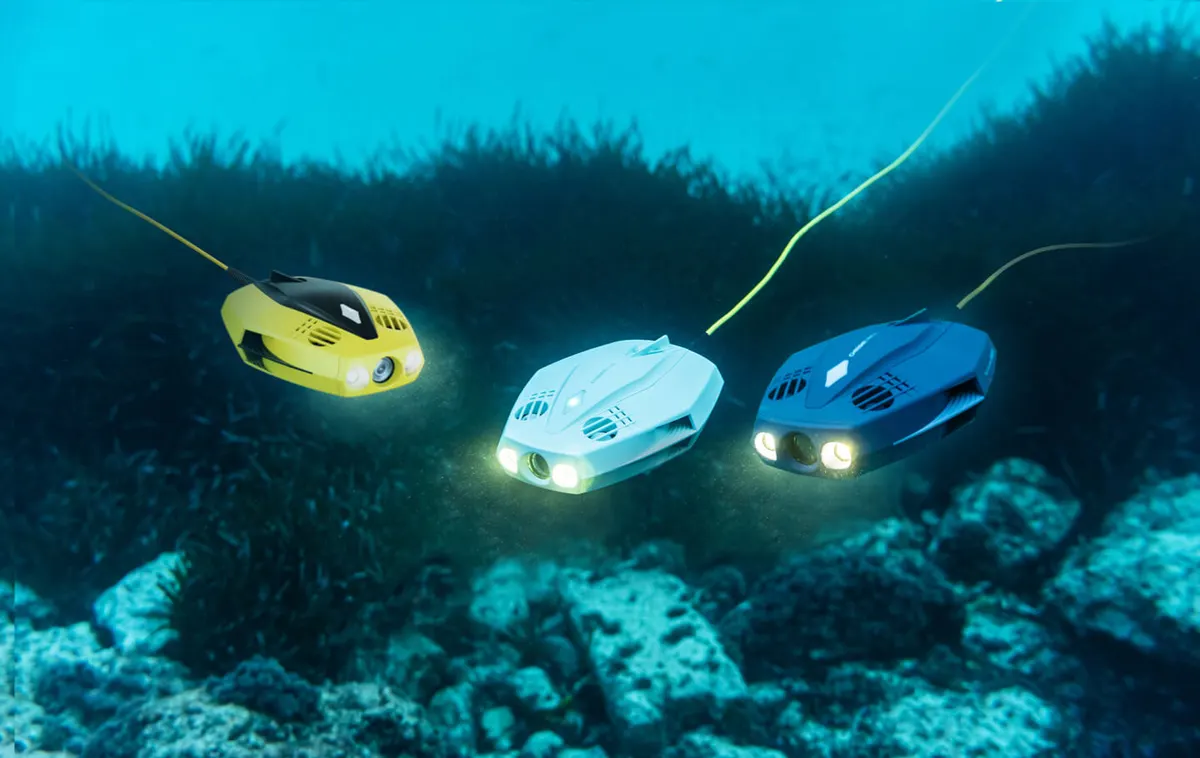
Editorial compilation of general maintenance and operating recommendations for ROVs, without our own hands-on test. Always check the technical details in your manufacturer's manual. The photos are manufacturer images from CHASING and QYSEA; the source is given under each image. The models shown are only examples.
Lost something important underwater that a hobby drone can no longer recover? UDRA offers professional recovery missions in Austria.