You can already gain a lot during the dive itself: lights down, lamps away from the camera, calm flying. This article picks up after that. What can you get out of the footage you already have with software?
Important to know up front: we have not yet compared the programs and filters named here using our own drone footage. Everything is based on manufacturer specifications and specialist sources. It is an assessment, not a hands-on test.
- Software can improve colour cast, flat contrast and light haze.
- It cannot bring back detail that the camera never recorded.
- Some drones have filters built in, for example the FIFISH V-EVO with a filter against white suspended particles.
- On a computer, free tools are often enough: DaVinci Resolve is available in a free version.
- Research (dehazing, Sea-thru, AI) is ahead of the apps, but not everything is usable for hobby pilots yet.
Why the picture turns green and flat
A quick reminder: water swallows light, and not all colours equally. On top of that come suspended particles, which scatter light and lay a veil of haze over the picture. What you see is therefore a mixture of subject, colour loss and scattered light. We explain this in detail in Colours underwater: why everything turns blue, and what helps.

Software tries to separate this mixture again. The more real image information is still in the footage, the better this works.
Level 1: what the drone apps can do
QYSEA FIFISH
For the FIFISH V-EVO, QYSEA names two functions:

- “Real-time Color Balance & Image Enhancements”: a dedicated, adaptive image system that, according to the manufacturer, is meant to restore colours “especially in dark and turbid environments”.
- “Adaptive AI Sea Plankton Filtering Algorithm”: According to QYSEA, the V-EVO uses it to filter out white flakes caused by plankton and bacteria.
The description of the FIFISH app also speaks in general terms of automatic algorithms for colour enhancement and manual settings.
Chasing
For the Gladius Mini S, a retailer names “color correction” as a feature. We found no more precise details from Chasing on how this correction works.
Our assessment: in-app filters are convenient, but they often act directly on the recording. If you are unsure, check in the app whether you can additionally save an unedited original. That keeps post-processing open to you.
Level 2: post-processing on computer and phone
DaVinci Resolve (video)
DaVinci Resolve from Blackmagic Design is a video editing and colour correction program. According to the manufacturer, the free version is “packed with more features than most paid software applications”. The paid Studio version costs US$295 on the US site (no guarantee, as of October 2026) and, according to Blackmagic, brings temporal and AI-assisted noise reduction, among other things. Noise in particular is an issue with dark lake footage.
Typical workflow for underwater video:
- Set the white balance on something that should actually be neutral (a light stone, sand, a grey card).
- Pull back the green or blue cast using the colour wheels.
- Raise contrast carefully, lower the blacks a little.
- If needed, noise reduction (in the Studio version).
Adobe Lightroom (photos and stills)
In its own guide to underwater image editing, Adobe suggests these steps:
- White balance with the eyedropper on a neutral area or via the temperature and tint sliders
- Colour mixer to adjust individual colours precisely
- Masks (also AI-generated) to edit subject and background separately
- the Texture, Clarity and Dehaze sliders for more detail
- the Remove tool to stamp out individual particles
The “Dehaze” slider is designed for exactly the veil that suspended particles create. Caution: too much of it amplifies noise and makes colours tip over.
Dive+ (phone app)
Dive+ advertises in the App Store that it restores the true colours of underwater photos and videos “with just one tap” and for free. There are in-app purchases for extra features. In a comparison, the diving magazine Divernet praised the one-tap correction as often effective, but sometimes fooled by certain colour palettes and limited manually. The test dates from 2020, however.
Level 3: what research can do
Behind many filters are methods from image processing. You should know these four:
Contrast equalisation (CLAHE)
CLAHE stands for “Contrast Limited Adaptive Histogram Equalization”. According to the OpenCV documentation, the method divides the image into small tiles, equalises the contrast in each tile separately and limits it so that noise is not amplified too much. It is fast enough for live video and is built into many tools.
Dehazing (haze removal)
A well-known method is the “Dark Channel Prior” by He, Sun and Tang (2009). The idea: in clear outdoor shots, most small image patches have at least one very dark colour channel. If this darkness is missing, haze is involved and can be calculated out. The method was developed for landscape photos, but the idea is also used underwater.
Sea-thru
Sea-thru by Derya Akkaynak and Tali Treibitz (2019) physically calculates the water out of the image. The catch: Sea-thru needs a distance map for each image. The researchers generated these by photogrammetry from many photos and placed objects of known size in the scene for scale. For a single drone video without depth information, the method is therefore not directly usable. (More on the technology behind it in our article Photogrammetry: 3D from the lake bed (planned).)
One approach that aims to apply Sea-thru live to drone video is the Visual Recovery project, which we will present in a profile of its own (planned).
AI methods
Neural networks learn from pairs of “bad” and “good” images what an enhanced underwater image looks like. Two well-known examples:
- UIEB and Water-Net (2019): a dataset of 950 real underwater images. The authors criticise that many methods until then had only been tested on synthetic data or a few selected photos.
- FUnIE-GAN (Islam et al.): a network that, according to the authors, is fast enough for real-time pre-processing on underwater robots.
And how do you measure whether an image is “better”? Research is being done on that too, for example with assessment methods that need no reference image, such as NR-UWIQA (Irshad et al., 2021).
Our assessment: AI can deliver impressive results, but it can also “invent” details that were not there. For nice pictures, that does not matter. If you want to know whether there is really an object on the bottom, caution is advised.
The limits: what software cannot rescue
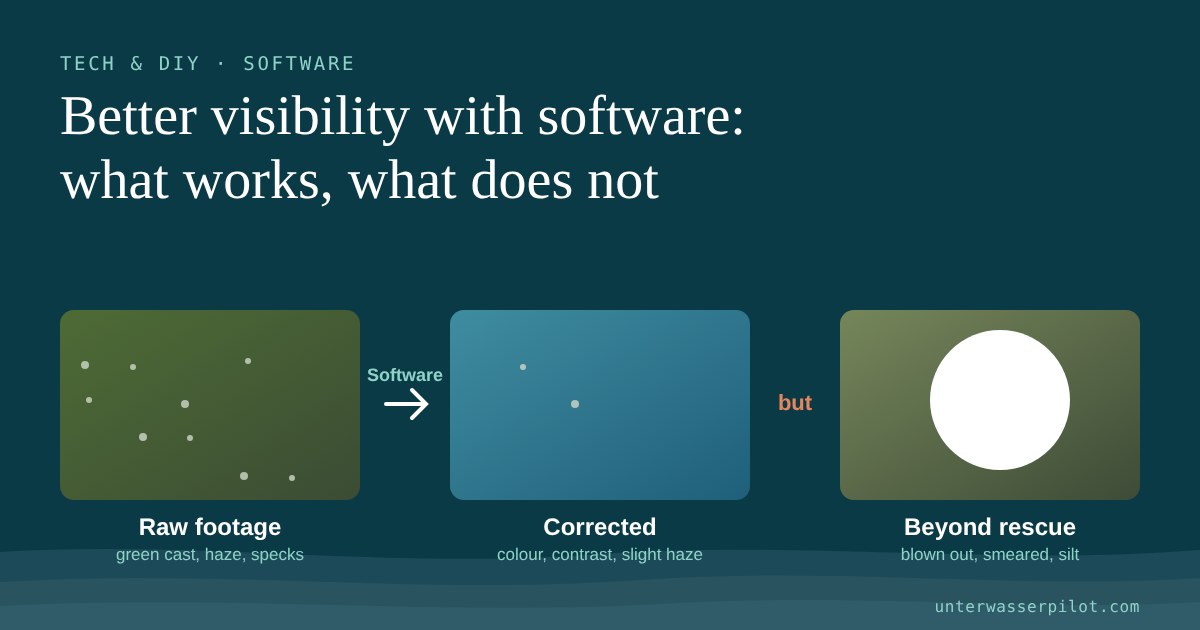
- No information, no result: what gets lost in noise or in the bright wall of flakes, no filter brings back.
- Blown-out areas: areas overexposed by lamps that are too bright are pure white. There is nothing left in them.
- Heavy compression: live transmissions and heavily compressed videos have less in reserve than the recording on the drone's memory card.
- Motion blur: fast runs in the dark produce smeared pictures. Sharpening does not turn them into a sharp picture.
- Stirred-up mud: when visibility is zero, the only help is waiting or a sonar (see our article Adding sonar: what does it bring to an underwater drone?).
That is why the rule is: the best software is good source material. Lighting, distance and flying style at the dive site usually bring more than any slider afterwards.
Overview: which tool for what?
| Tool | For | Cost according to source | Strength |
|---|---|---|---|
| In-app filters (e.g. FIFISH V-EVO) | Live and recording | included in the drone | convenient, instant |
| DaVinci Resolve | Video | free; Studio US$295 | full colour control |
| Adobe Lightroom | Photos, stills | subscription (price at Adobe) | dehaze, masks |
| Dive+ | Photos, videos on your phone | free with in-app purchases | one-tap correction |
| Research methods (Sea-thru, AI) | Advanced users | mostly free, technical knowledge needed | physics-based or learning-based |
Prices without guarantee, as of October 2026. US dollar price from the manufacturer's US site, plus taxes customary in your country.
Practical tip to finish
Before the dive, film a white or grey card for a few seconds at the depth where you will be operating later. In post-processing, that gives you a reliable reference point for white balance, instead of having to guess which stone is actually grey.
Frequently asked questions
Can I make murky water completely clear with software?
No. Software can improve colour cast, contrast and light haze. It cannot bring back detail that the camera did not record.
Which free program is suitable for underwater video?
DaVinci Resolve is available in a free version with extensive colour correction. For photos on your phone, Dive+ advertises a free one-tap correction.
What is Sea-thru?
A method by Akkaynak and Treibitz (2019) that physically calculates the influence of the water out of images. For this it needs a distance map for each image.
Do underwater drones have built-in filters?
Partly. For the FIFISH V-EVO, QYSEA names a real-time colour correction and an AI filter against plankton flakes. For the Chasing Gladius Mini S, a retailer names a colour correction.
Does AI image enhancement invent details?
It can happen, because neural networks fill in learned patterns. When searching for real objects, you should always check the original image too.
In video
An example of colour correction in DaVinci Resolve:
You will find reactions and comments on this article in the Unterwasserpilot forum (in German, English posts welcome). Show us your best before/after there!
- QYSEA, FIFISH V-EVO (Real-time Color Balance, Adaptive AI Sea Plankton Filter, quotes)
- QYSEA, FIFISH V-EVO (second product page, “dark and turbid environments”)
- Apple App Store, FIFISH app (description: automatic colour enhancement, manual settings)
- GlobalDroneHQ, Chasing Gladius Mini S (“color correction” feature)
- Blackmagic Design, DaVinci Resolve Studio (US$295, free version quote, Studio features)
- Adobe, “Improve color, lighting, and clarity in underwater photos” (Lightroom steps)
- Apple App Store, Dive+ (one-tap correction, free, in-app purchases)
- Divernet, “5 of the best Underwater photo-editing Apps” (2020, assessment of Dive+ and Lightroom)
- OpenCV documentation, Histogram Equalization / CLAHE
- He, Sun, Tang (2009), Single Image Haze Removal Using Dark Channel Prior, project page
- Akkaynak, Treibitz (2019), Sea-Thru, CVPR (abstract, RGBD)
- Sea-Thru, full text (distance maps via structure-from-motion, objects of known size)
- Li et al. (2019), An Underwater Image Enhancement Benchmark Dataset and Beyond (UIEB, Water-Net)
- Islam et al., Fast Underwater Image Enhancement for Improved Visual Perception (FUnIE-GAN)
- Irshad et al. (2021), NR-UWIQA, Electronic Imaging (from an existing paper note)
Lost something important underwater that a hobby drone can no longer recover? UDRA offers professional recovery missions in Austria.